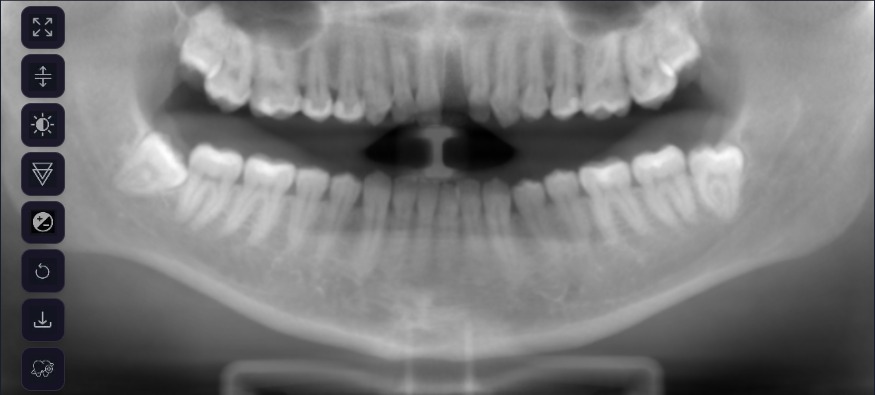
Panoramic views
A clear panoramic reconstruction of every CBCT, generated automatically.
Visionary 3D · AI for CBCT
Visionary 3D turns every CBCT into a segmented 3D model and a tooth-by-tooth AI report, so you can review, plan, refer and explain with confidence.
Trusted by forward-thinking clinics





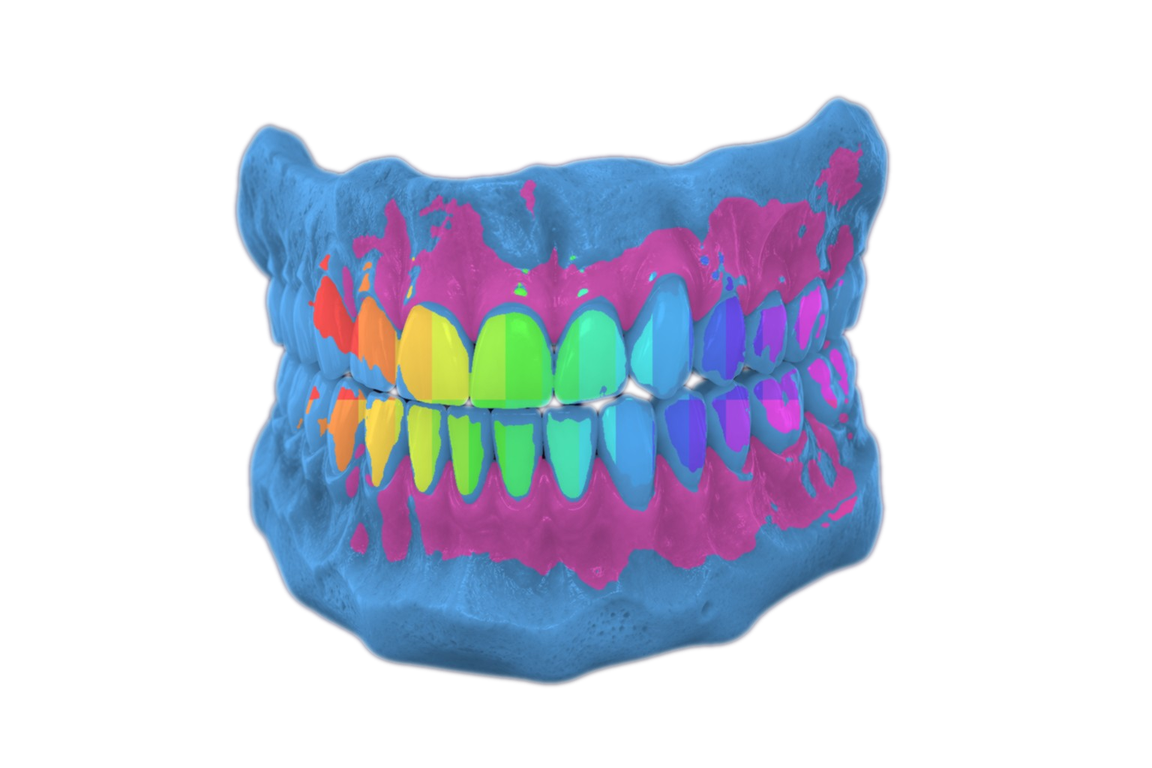
AI-labeled, color-coded 3D anatomy that is easier to read, rotate and understand than raw slices.
Isolate anatomy, zoom and rotate the scan, and help patients see exactly why treatment is needed.
Turn 3D findings into clear reports and 2D images ready for documentation and insurance.
A full-volume AI review lowers the chance of missing something important hidden in the scan.
One platform for every scan
Hundreds of grey CBCT slices become colour-coded 3D structures in minutes. With Visionary 2D alongside, your practice gets AI support across OPGs, RVGs, intraoral X-rays and CBCT.
Inside Visionary 3D
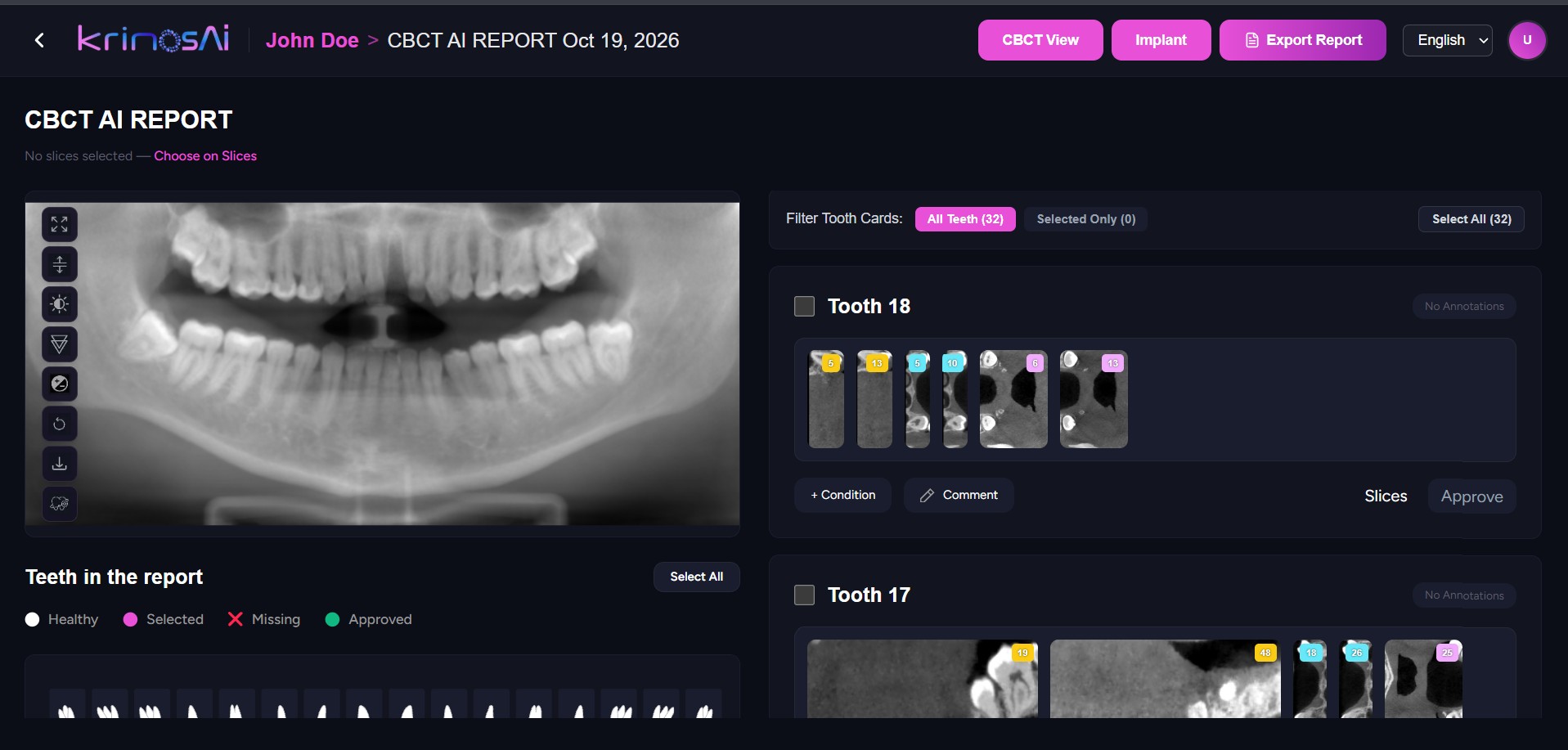
This is the real Visionary 3D report screen. Scroll and the camera walks you through it, one part at a time.
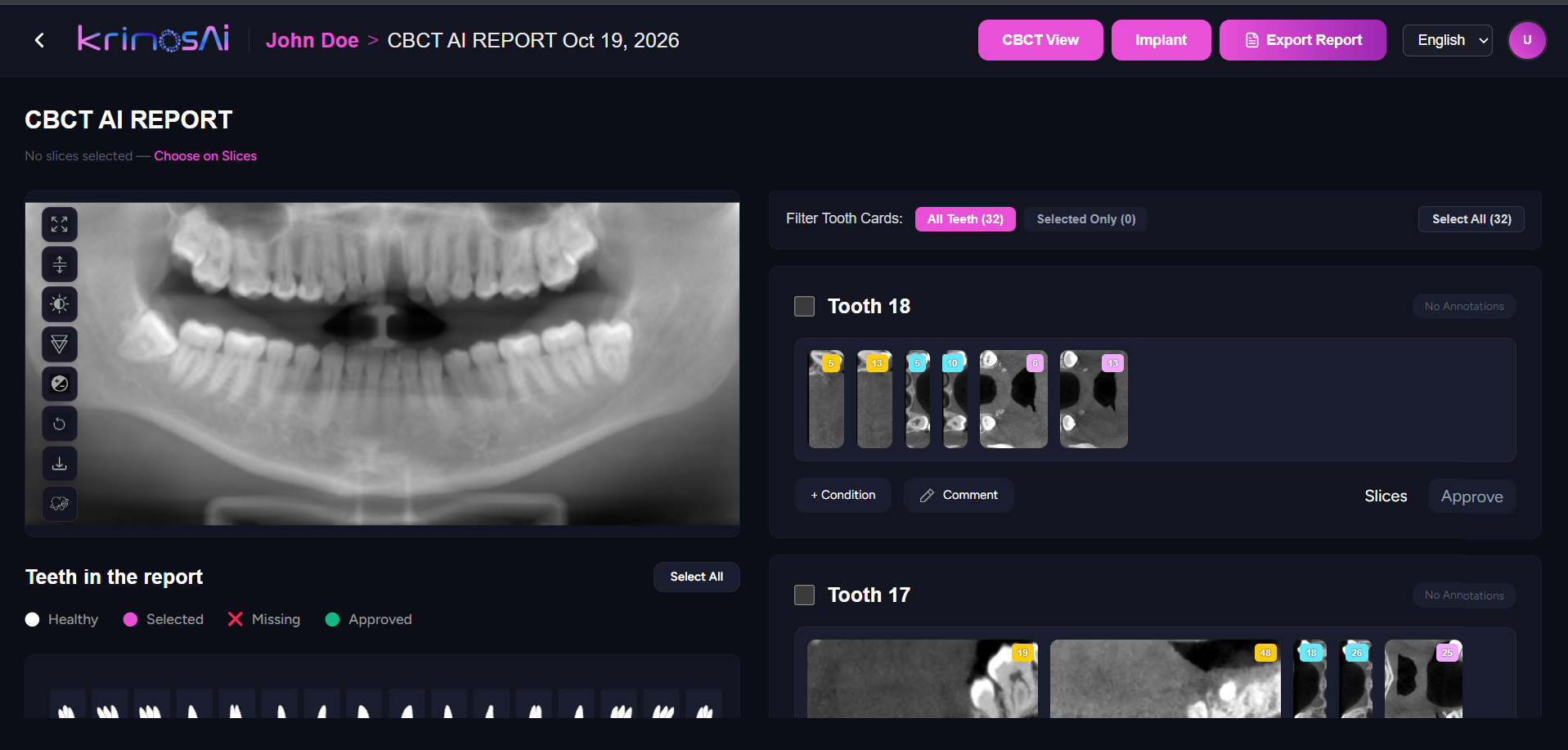
01 / 06
One screen per scan: the reconstruction on the left, every tooth on the right, ready the moment the AI finishes.
Scroll to explore
3D clarity for every clinician
Visionary 3D segments key oral and maxillofacial anatomy across the full volume and flags what needs attention. Scroll to watch it happen.
CBCT volume
Upload the scan from any CBCT machine
AI segmentation
Every tooth, root and canal separated automatically
3D model
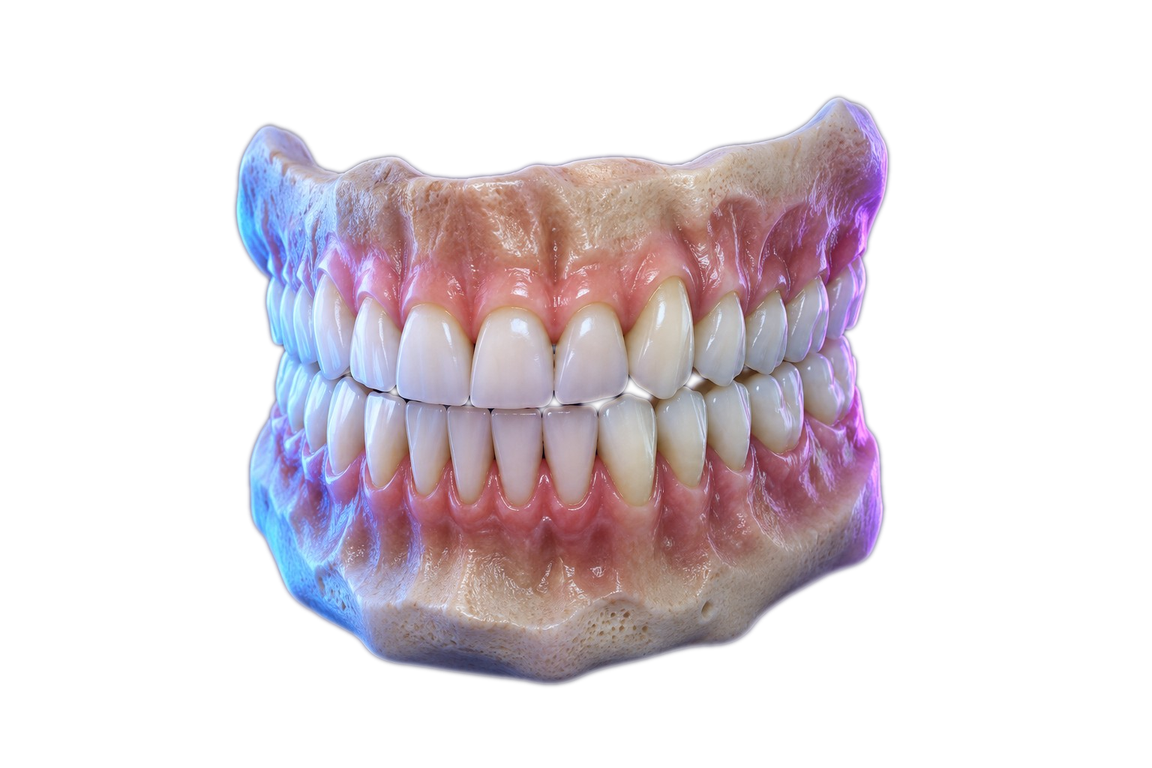
A full anatomical model, colour-coded and ready to inspect
STL export
Download for planning, printing or the lab
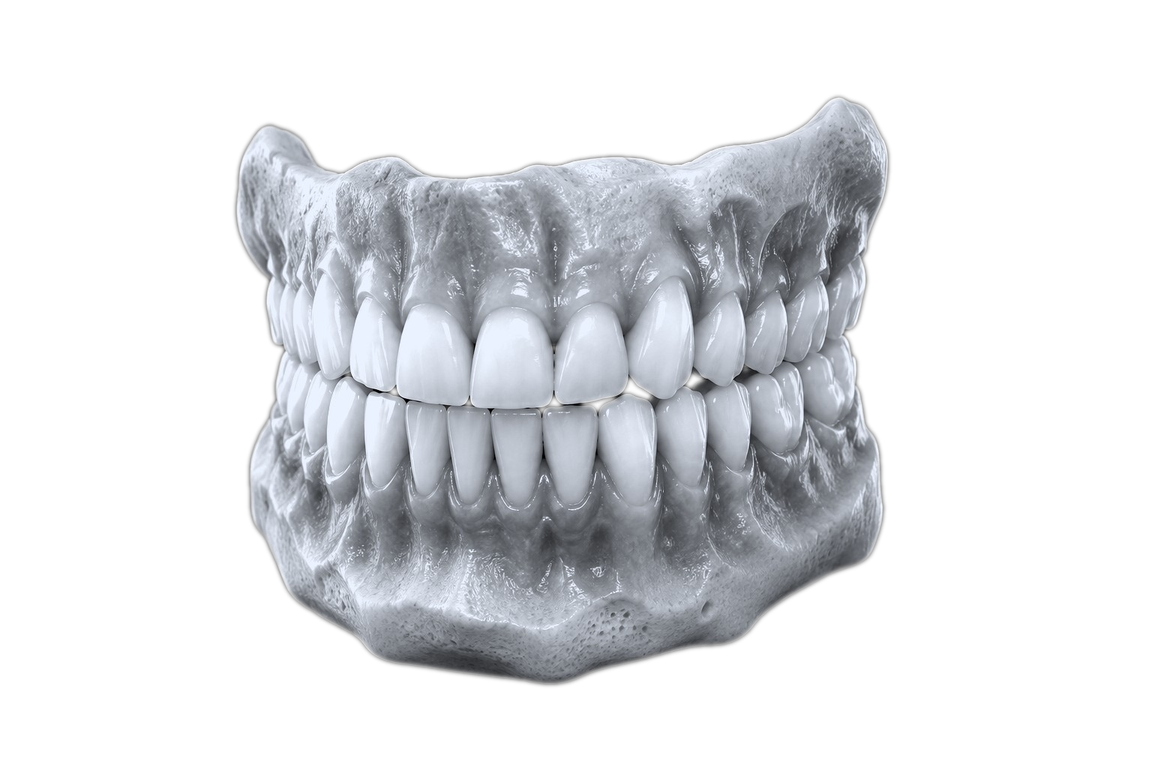
Segmentation advantages
Findings are segmented in 3D, so you see their exact size and position in the volume.
Teeth, roots, maxilla, mandible and airway, each separated and colour-coded.
The nerve canal is traced automatically on both sides before you plan.
Axial, coronal and sagittal views linked to the 3D model for detailed review.
Tooth cards
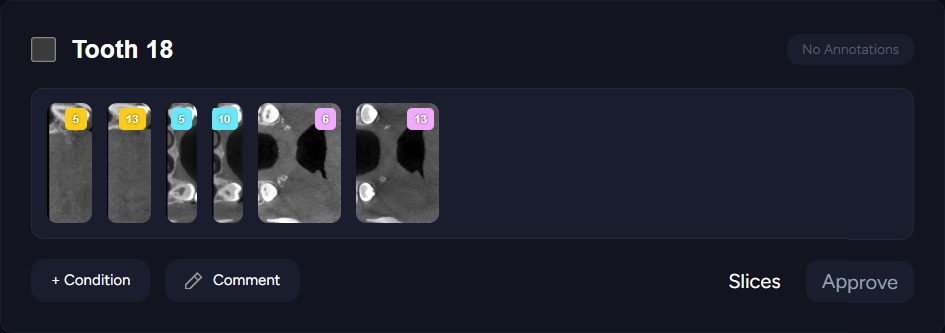
No more scrolling through hundreds of slices. Each tooth gets the views that matter, so you can add a condition, comment and approve in seconds.
Opportunities
A clear panoramic reconstruction of every CBCT, generated automatically.
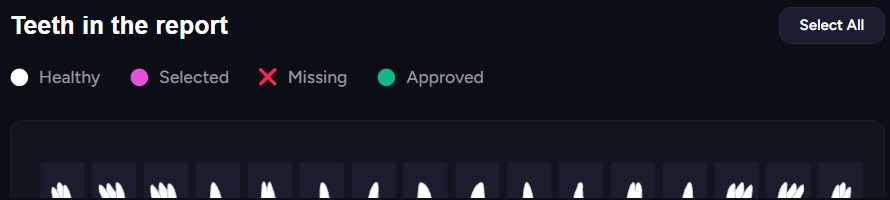
Every tooth numbered and charted: healthy, selected, missing or approved.
AI-picked slices for each tooth, with conditions and comments in one card.
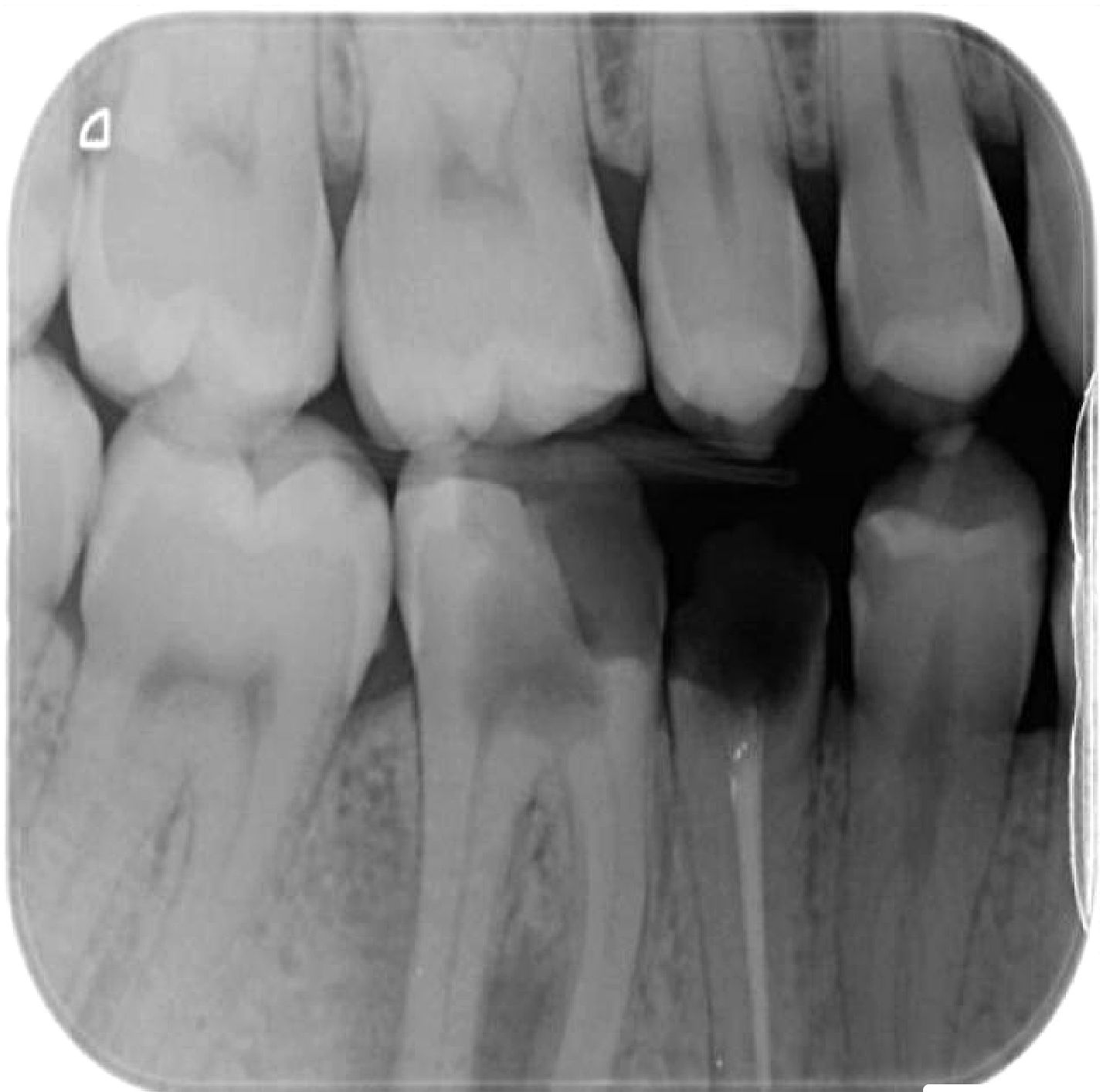
Areas the AI wants you to look at are highlighted, so nothing slips past.
Teeth, roots and canals segmented in 3D, ready to rotate and inspect.
How the report is made
Any scanner, straight from your PC or imaging software.
Teeth, roots, bone and canals are separated in minutes.
Panoramic, MPR and cross-section slices built for you.
Areas that need attention are highlighted on each tooth.
Confirm or dismiss findings, add conditions and comments.
A clear report for the patient, the lab or the insurer.
Interactive 3D viewer
Drag to turn the model, zoom in, measure, and isolate teeth, gums or bone. Until you touch it, it plays a short demo on its own.
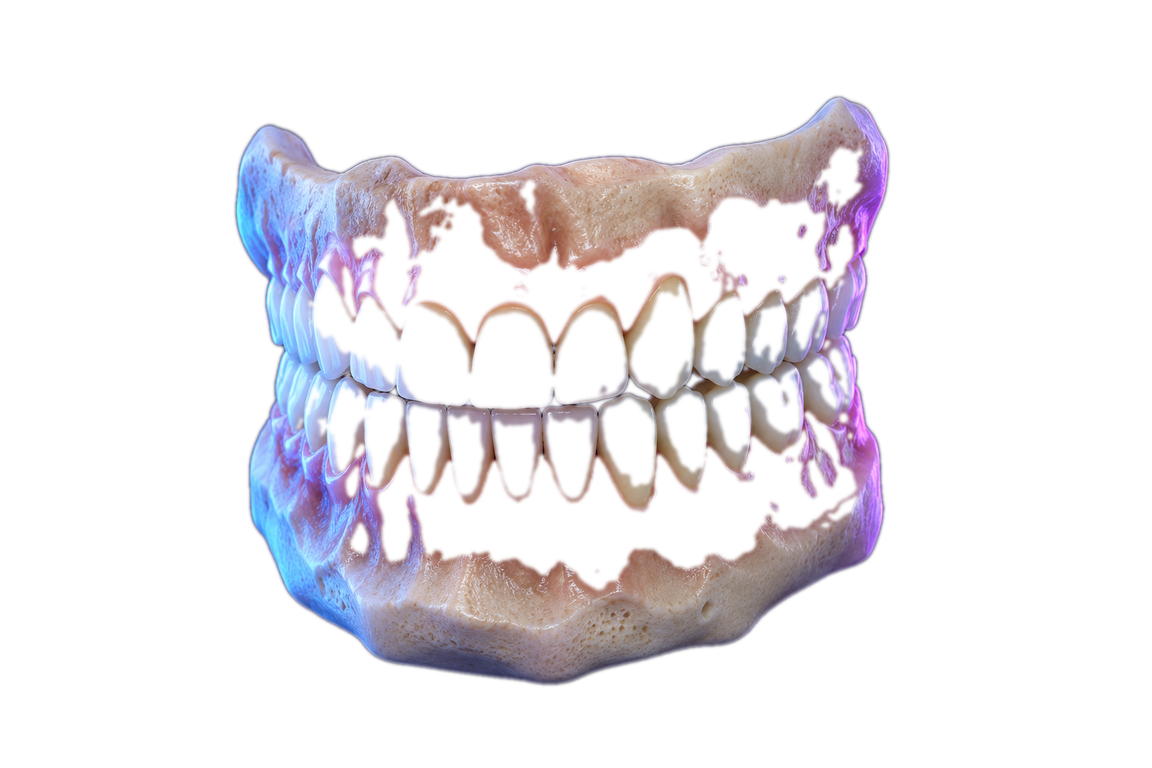
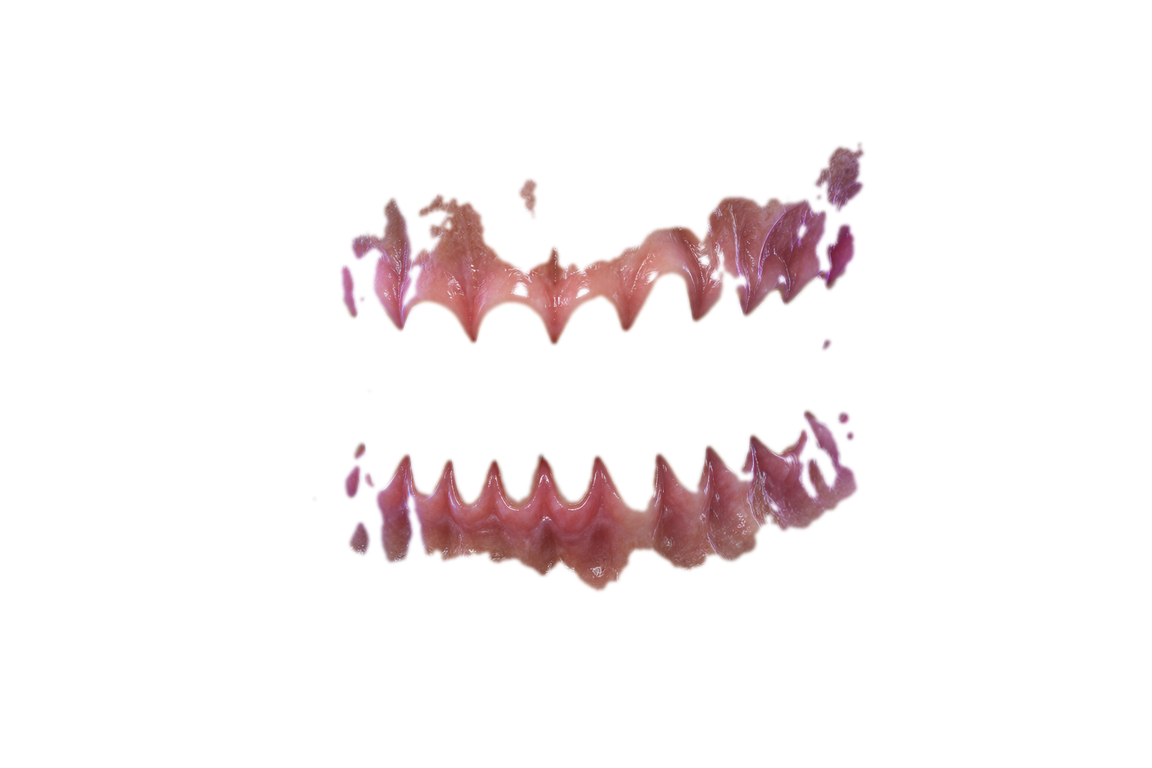
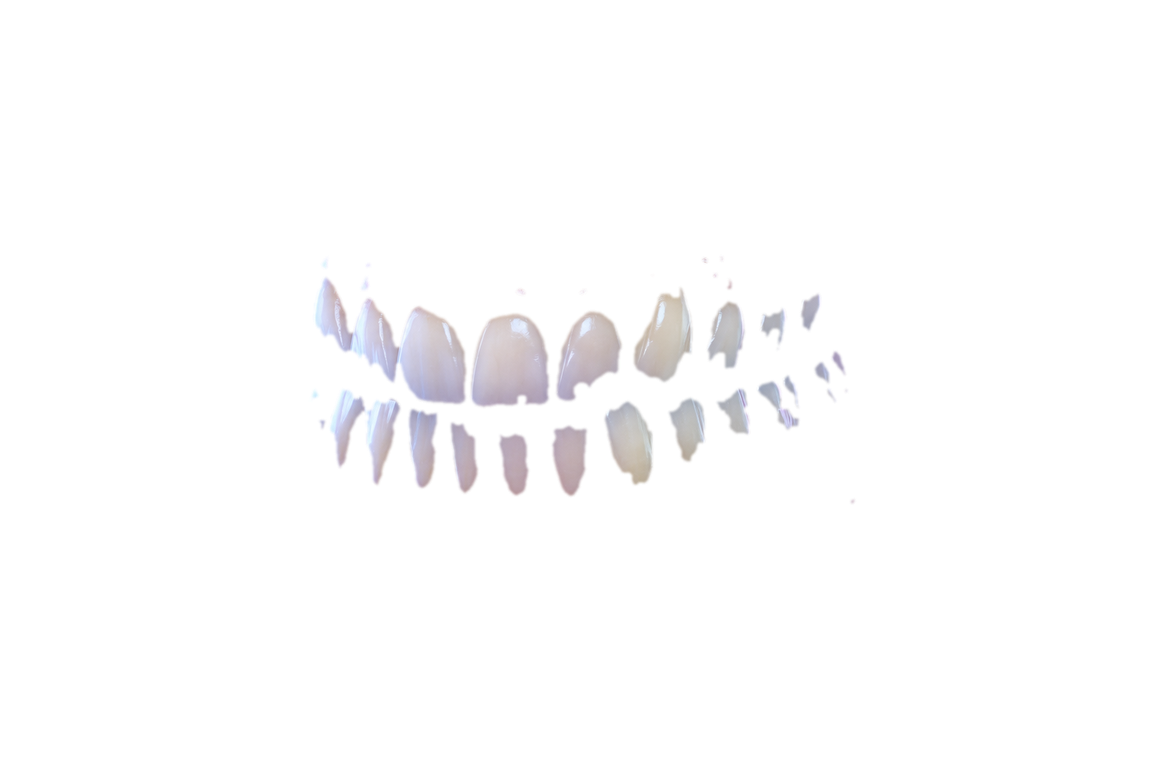
Isolate
Superimposition
Visionary 3D aligns your CBCT with intraoral scan data on matching landmarks: bone, roots, crowns and gums in one model. Scroll to bring them together.
Bone and roots meet crowns and gums in one model.
Matching landmarks are found and locked without point picking.
Send labs and specialists a model that has everything.
Share the case from one link, with your notes attached.
Visionary 3D · CBCT report
Sample patient · Implant consult
Full-volume analysis · generated in 4 min
Findings
Measurements · site #36
11.4 mm
Bone height
7.2 mm
Bone width
2.1 mm
To nerve canal
Reports & referrals
Send a case to a specialist with labelled 3D visuals and your notes, and export the views insurers need as 2D images.

Easy upload
Drop a CBCT from any scanner into the secure portal. The full volume is analysed and the report is ready by the time the patient is back in the chair.
Drop your CBCT here
DICOM, STL and PLY from any scanner
AI analysis ready in minutes
Built for patients too
Turn a complex 3D scan into a clear, printable report, so patients see what you see and say yes to the treatment they need.
Your 3D scan report
Tooth 30 · needs attention
Tooth 1 · impacted wisdom tooth
Bone and nerve canals · healthy
Data protection & compliance
Built with HIPAA privacy safeguards for patient data.
Scans and reports are encrypted in transit and at rest.
Stored on protected infrastructure with role-based access.
Who it's for
How it works
Capture the CBCT volume with your existing scanner.
Visionary 3D processes the full volume and identifies dental structures.
Navigate clear 3D insights instead of hundreds of raw slices.
Use the insights to plan treatment and walk patients through the case.
Discover more tools
FAQ
Get Visionary 3D
See Visionary 3D analyse, segment and superimpose your own scans.